Tuesday, September 19, 2006

Char. Design assignment: Shape Drawings & Nature

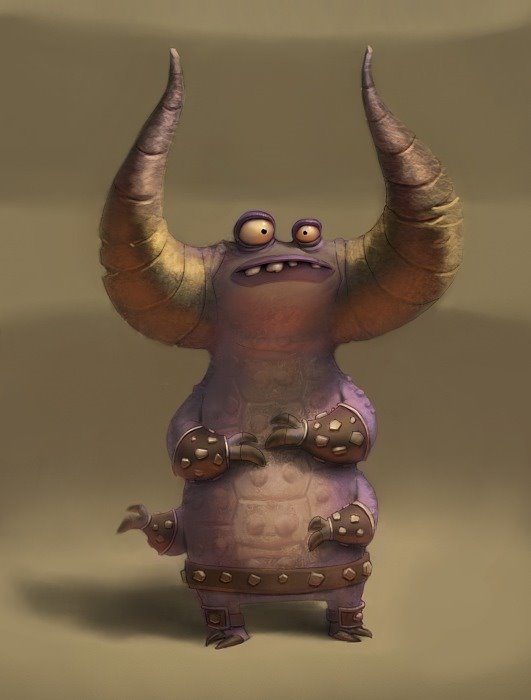
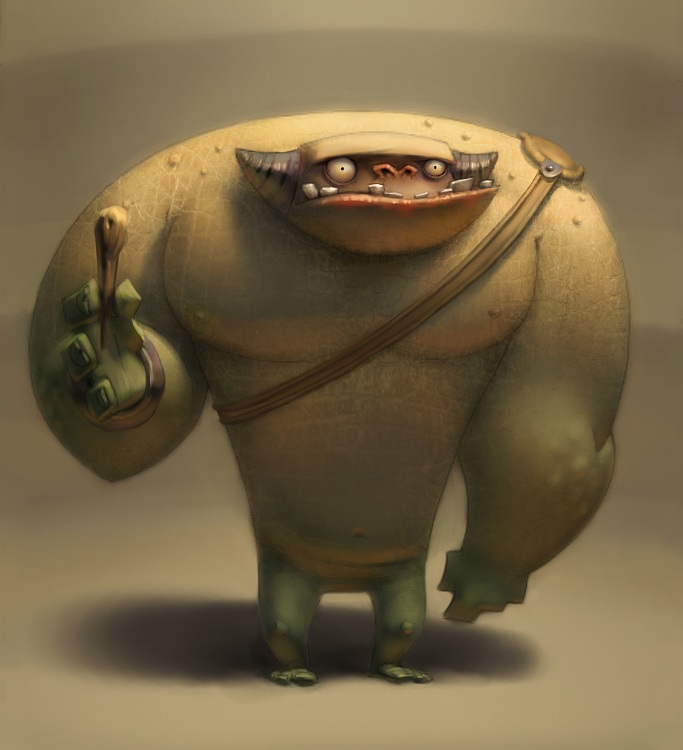
The first part of the assignment was to draw loose shapes and then make them into character designs. It's definitely a fun creative exercise, but I think the most useful part of it is how it forces you to play with proportions. Since the dimensions are already set out for you, the challenge becomes to determine how to arrange things within that shape to make your character the most appealing. I can't say that I was entirely successful in picking the best proportions for these guys, but it was a lot of fun anyway.


I forgot to scan in the original shapes, so I included quick trace to show what I started with.


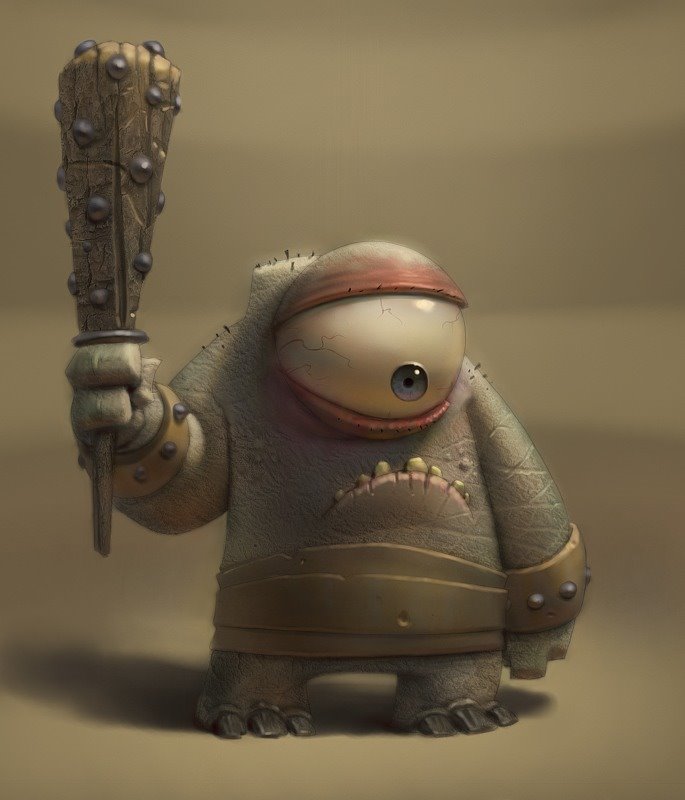
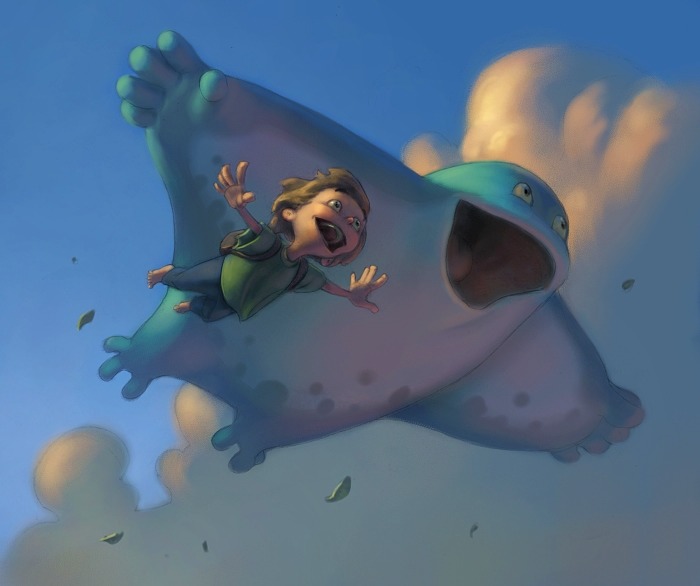
The other part of the assignment was to (after doing some drawing from nature) do some character designs incorporating elements from rocks, trees, and clouds. We had two photos we were supposed to base the character designs off of, which I didn't scan in. I didn't really use anything from them anyway, other than a loose gesture of the pose. Edit: Here's one of the pictures, anyway. No matter how hard I try, I can't get the rock guy to upload. Maybe later, then.

Friday, September 01, 2006

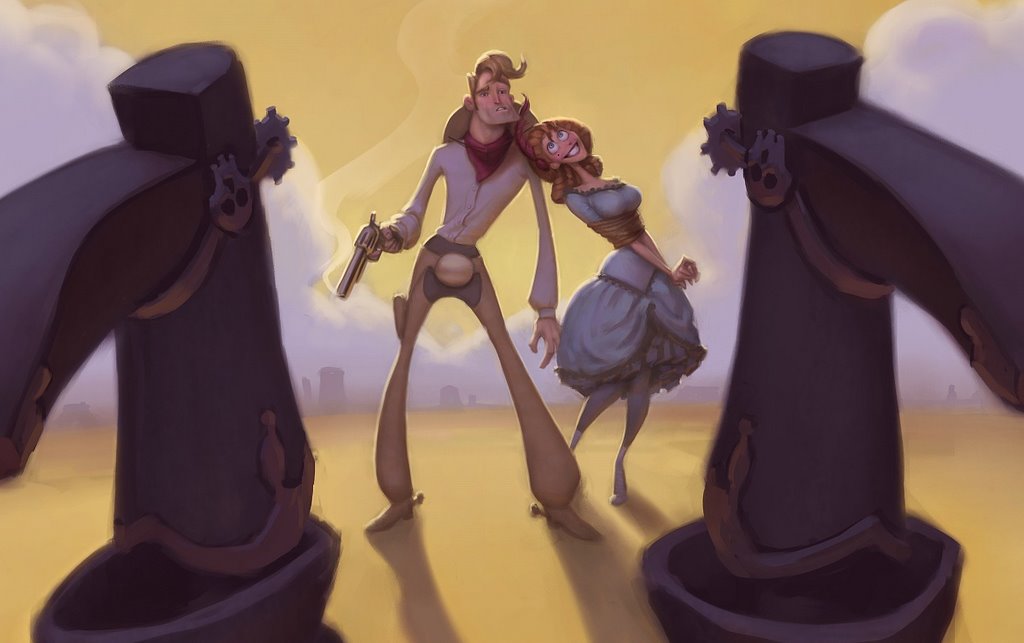
Spaghetti Western Entry

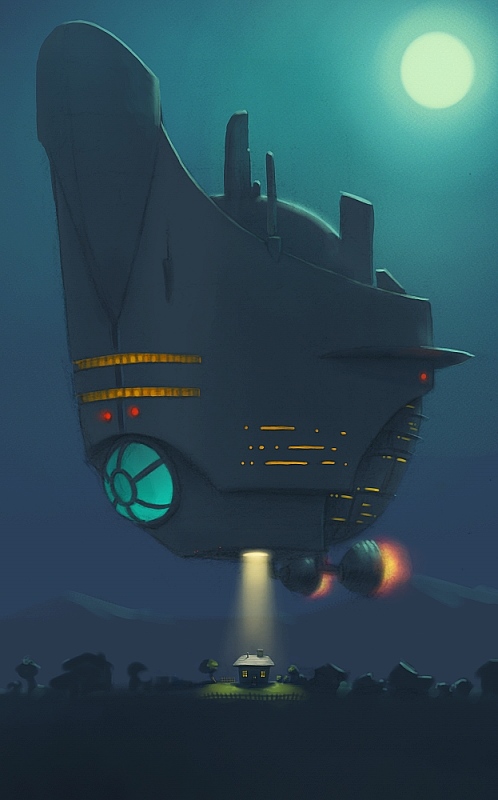
Haven't had time to do a tip-of the week yet. This is the most I can muster for now: Rim-lighting makes things more fun!
I loved doing this one. I almost want to do another now. Just wait until Kevin posts his.


Edit: Okay then, here's a close-up.

Thursday, August 24, 2006

Tip of the Week: Matte and Specular Lighting

Figuring out how to correctly "model" objects with light has been one of the most difficult things for me. The thing that helped most was to learn the differences between how light interacts with matte and specular surfaces.
When painting a surface with both properties it sometimes even helps to deal with the properties of each separately, maybe even using layers.

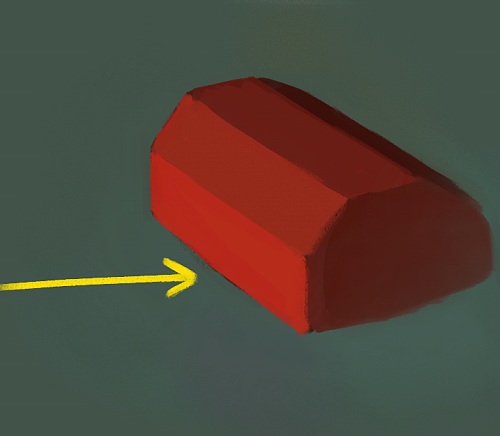
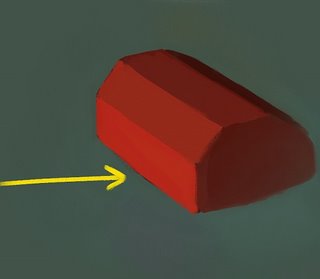
Matte surfaces reflect light of their own local color (red objects reflect red light) and absorb all other frequencies. How much light they reflect depends on the surfaces' angle with respect to the light. If you treat a smooth surface like it is faceted, the faces that are angled most toward the light are brightest, and become darker until they are parallel with the light source. Any faces angled AWAY from the light source receive NO DIRECT LIGHT from that light source. The brightness of these faces will be the same regardless of the viewer's position. Here's an (ugly) example:


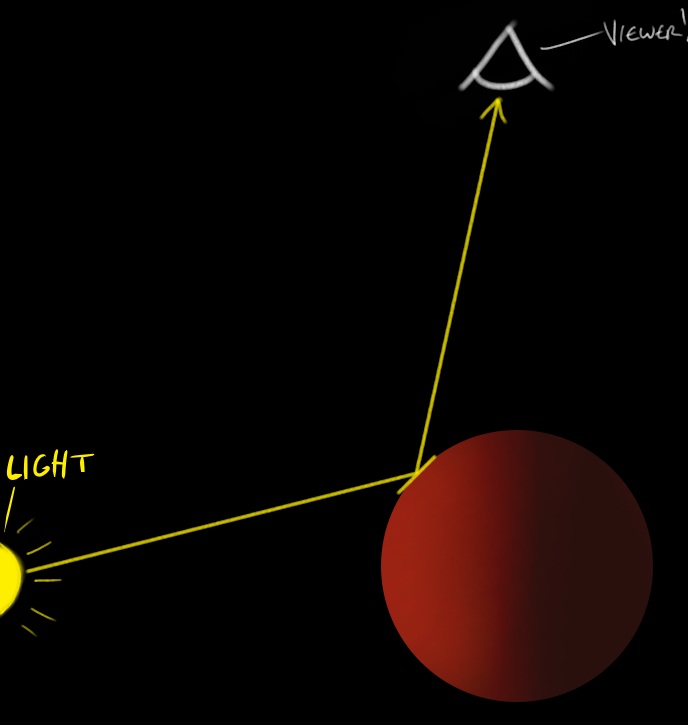
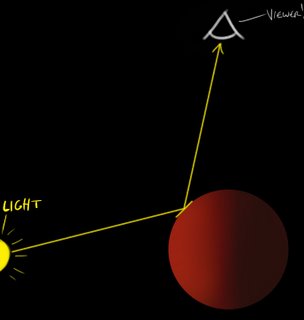
Specular surfaces, on the other hand, act just like mirrors and will reflect all colors of light regardless of the surface's local color. In fact, a specular highlight is really just a low-level reflection of the light source. Because of this, figuring out a specular highlight is sort of like playing a game of reflected-light-billiards. The highlight appears on the surface in the location where the tangent of that surface (or imagine faceting the surface again) is at the correct angle to bounce the reflection right at the viewer. The location of the highlight changes depending on the viewer's position relative to the object and the light. I've seen people make the mistake of placing the specular highlight in the same position as the matte highlight, but this is not correct! Hopefully the diagram below is more clear than my painful explanation:


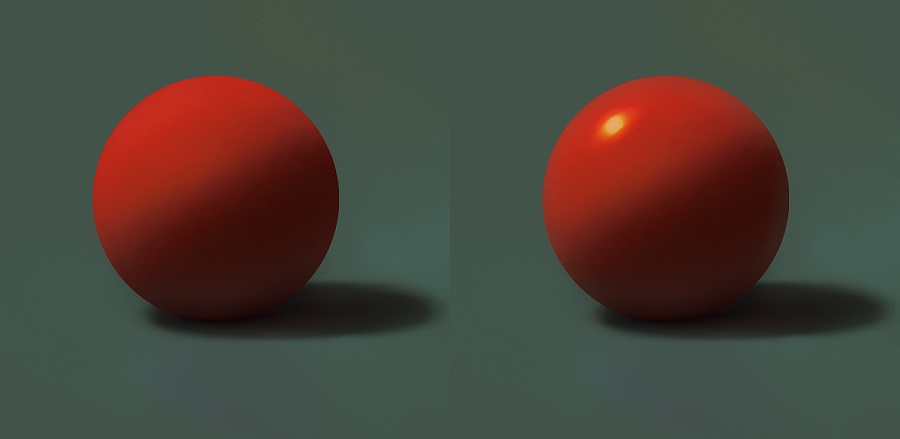
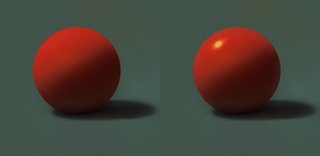
And finally, to illustrate how the two kinds of lighting can work together on a surface---the left sphere has a matte surface only, with the light source directly overhead and to the left. The right sphere has the specular lighting added. Again, note that the matte highlight is on upper-left tip of the ball (can a ball have a tip?), but the specular highlight is down a little ways from it, where the surface is angled correctly to reflect the light source.


Sorry that was a lot of reading. I'll post a real painting soon to make up for it.

Tuesday, August 15, 2006

Tip of the Week: Reflected Light and Light Layering

I did a quick one for this week to illustrate a couple things I use all the time.

First of all, I like to think of each surface in my paintings as a light source that will bounce its light onto surrounding objects. The amount of light being reflected decreases with distance from the object "producing" the light.

Also, when painting these reflected lights I like to use layers with the "Lighten" method. This does a pretty good job of preserving the highlights from the main light source, while approximating the additive effect that light has on surfaces. It doesn't always work perfectly, but usually can save a lot of painting time.

I made this example, before using the light layers and after:


I used a primary color scheme to show how much you can exaggerate light effects without (hopefully) being too offensive to the eyes. In reality, unless these were very shiny surfaces you wouldn't get reflected colors as saturated as this because the local color of bright red and yellow objects would be absorbing anything that wasn't red or yellow, respectively.

Friday, July 07, 2006

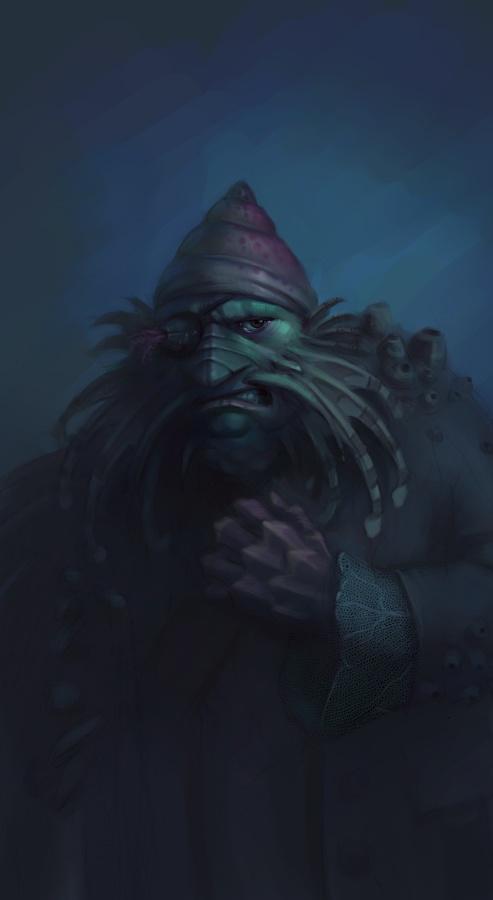
Another Pirate

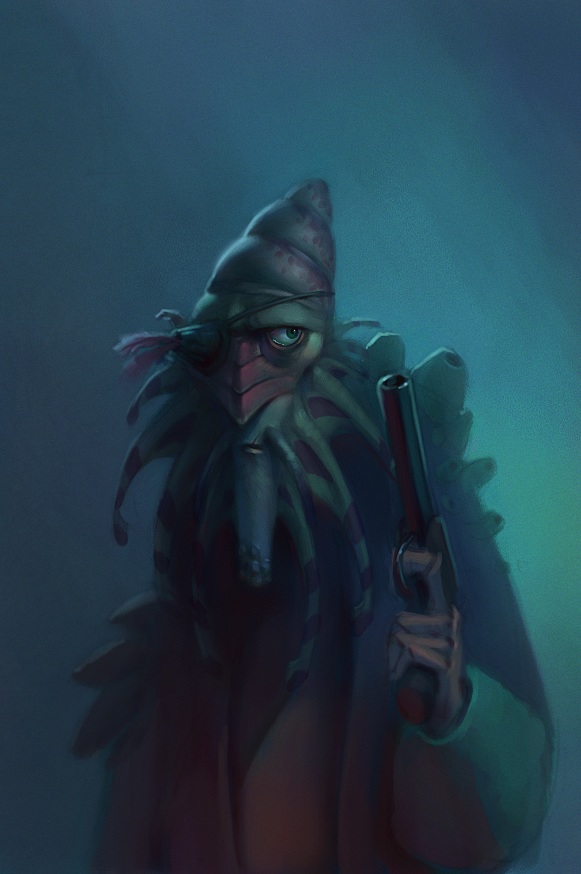
I really wasn't happy with the design of my previous pirate, so I started over. Better?
Edit: We've got new monitors at work, and since they are so bright I painted this too dark. I updated with a brighter version. I'll try to avoid that in the future.


Thursday, July 06, 2006

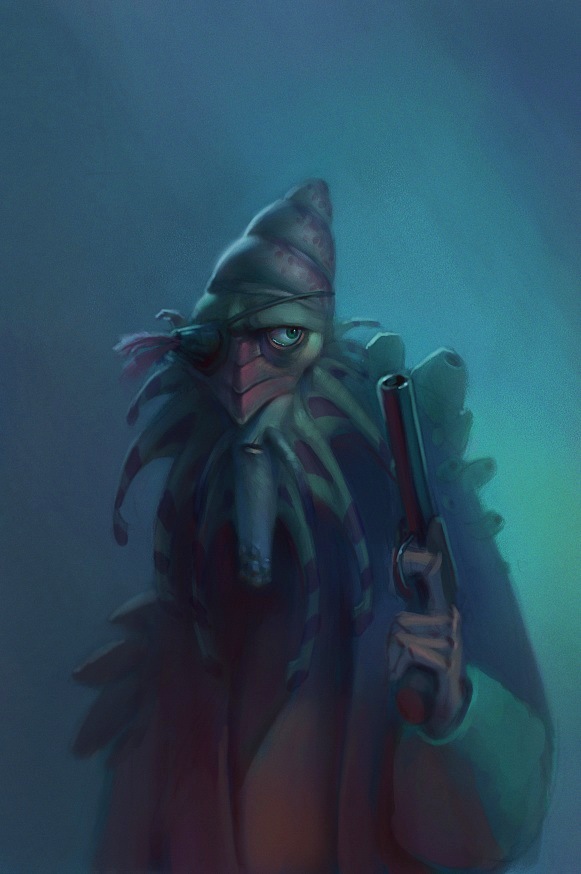
Fishy Pirate

Got to see an early preview screening of Pirates of the Caribbean 2 courtesy of my company. I enjoyed the movie a lot---maybe not as much as the first one---but it was still pretty good. I really liked the creepy fishy pirates. My wife didn't like them at all though, because she thought they were too gross. Maybe they are, but I still liked them. Although I don't think I'm going to eat any seafood for a while.

I started on this sketch today. This represents maybe two hours of work (when I should have been working). I think I may go back later and re-design him though because I'm not 100% happy with him.

Monday, June 26, 2006

Hobo

I and a couple friends decided to draw hobos a while back and this is what I came up with. I'd really like to massage the painting some more in parts, but I was spending too much time on it already so I'll post it up. If I fix it up some more later I'll post up the new version.

Also, Joe Olson now has a blog. I've worked with him quite a bit over the last few years and I really like his art style. Check it out: http://joeolson.blogspot.com/

Friday, June 09, 2006

My hero

This is the inspirational high school metal shop teacher that changed my life. Okay, not really. It's just some guy that I found on google. But I wish he was my hero.
Done for a drawing challenge at work where we were supposed to do some kind of portrait.

Thursday, May 25, 2006

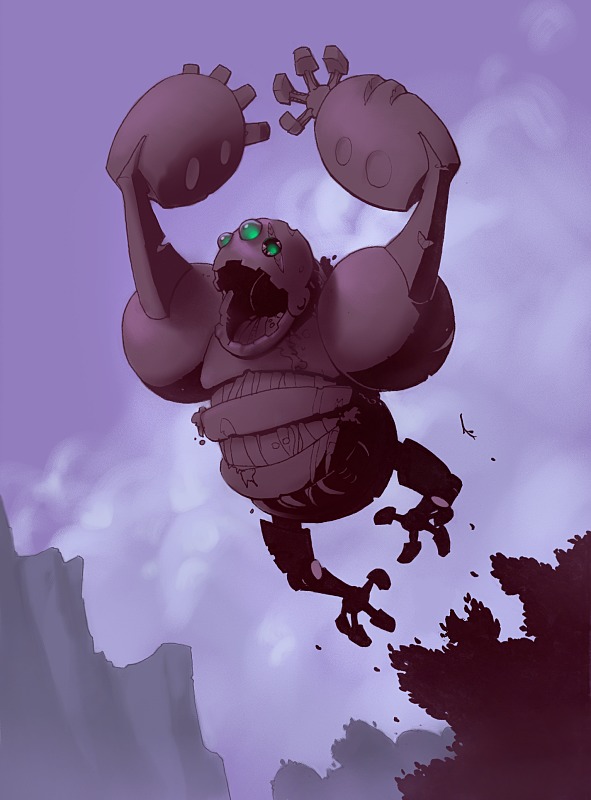
RoboKong

Sorry it's been so long since the last post. I'll try not to let that happen again (at least for a little while).

Me and a couple work buddies often have these little drawing challenges where one of us comes up with a topic and we all draw it. This one was to draw an ancient robot that has ruled an undiscovered island for thousands of years.

Friday, April 28, 2006

Friday, April 07, 2006

More stuff for BYU group senior project

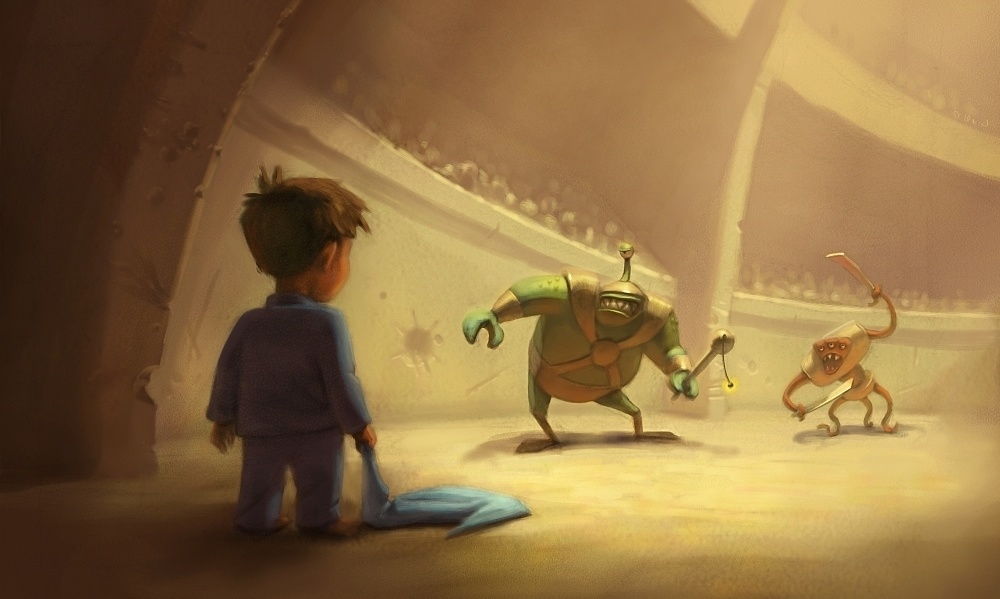
The project is currently called "Pajama Gladiator" Original design by me, re-drawing by Joe Olson, and painting by me.


Joe Olson did these drawings and I painted them. He's an excellent character designer, and it's fun to color his linework.


Friday, February 24, 2006

Wednesday, February 22, 2006

Monday, December 19, 2005

Caricatures and Pig

I really like to do caricatures, but usually the ones I do aren't very kind to the subject they portray. This means that I have to stick with pretty safe people that I don't know but other people will recognize, like movie stars. Maybe someday I'll learn how to do those really cheesy ones you see in malls that people want to pay for and I'll make a bunch of money.


Friday, December 09, 2005

Other things

These two images were done under deadline. I think I finished them in about 4 hours total. I really wish I could have had more time to polish them.


Character design class

A while back I took a character design class from Ryan Woodward at BYU. It was a very useful class for me in many respects, mostly because it got me out of my comfort zone by quite a bit and made me reconsider my approach to character design.
Some of my work from the class was pretty terrible, but I'll share some of my favorite things.


In one section of the class Ryan made us attempt to imitate several artists' styles on our own character designs. I think this part had the most profound effect on my thinking about character design and style. I really screwed it up with the Claire Wendling imitation, but I'm pretty happy with my Shane Glines and Alessandro(sp?) Barbucci designs. But I'm not going to even post the abomination that came out of the Mike Mignola attempt.


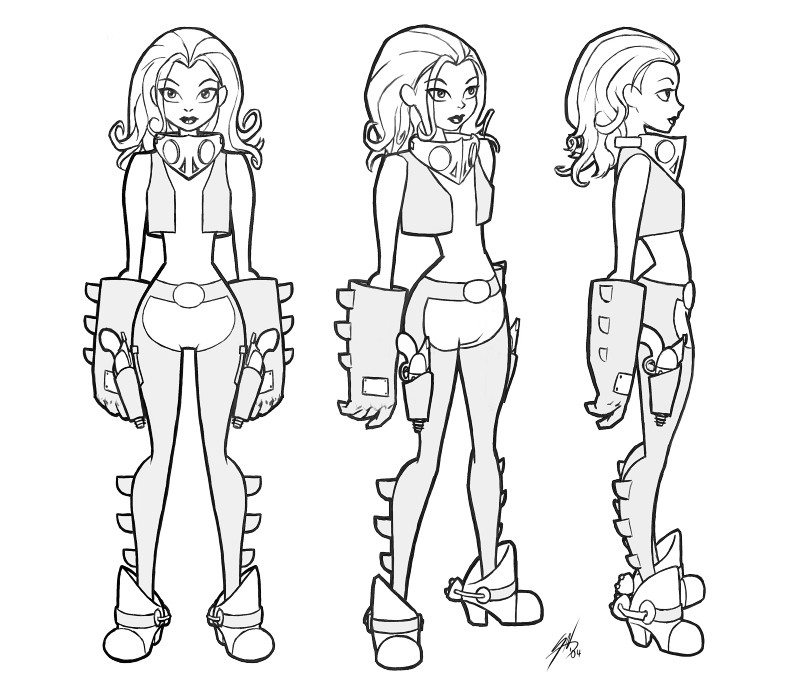
The final assignment was to take a character design you had done earlier and make a 3-view turn-around of that character, make an expressions sheet for that character, and design 3 other characters from that world and style. I wish I had more time to make these designs really great, but I just didn't. But here they are anyway.


Welcome

I'll try to update this blog at least a couple of times a month, so check back every so often. Thanks!
Sam